Key Analytical Takeaways
- Duplicate layouts frequently retain outdated study inputs when settings are modified on one chart without updating saved study sets.
- Timeframe aggregations interact with moving average lengths and volatility calculations, producing unexpected line curves across adjacent panels.
- Standardizing study sets and creating strict naming conventions eliminates misleading divergence between comparative panels.
Parameter Drift Between Independent Workspaces
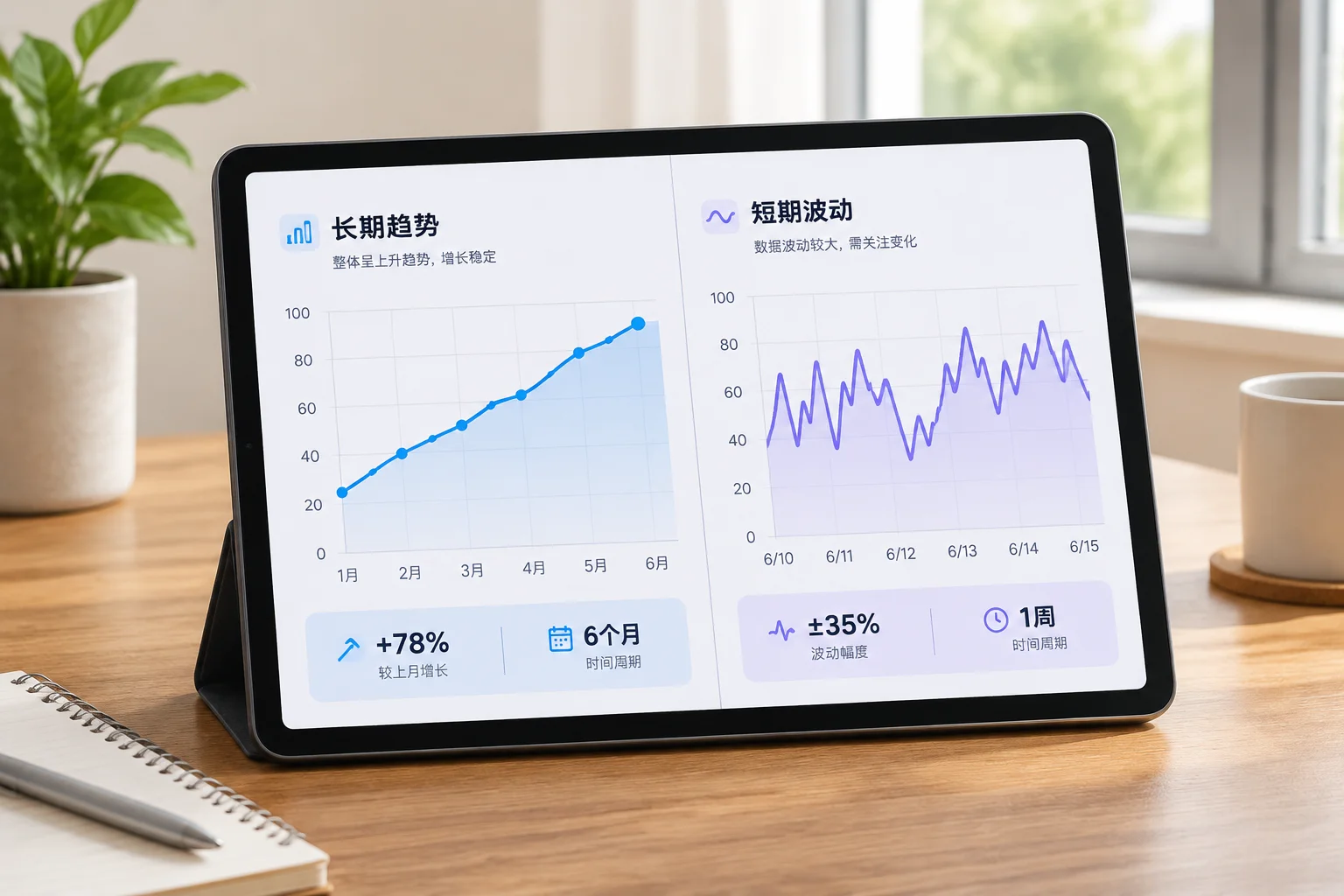
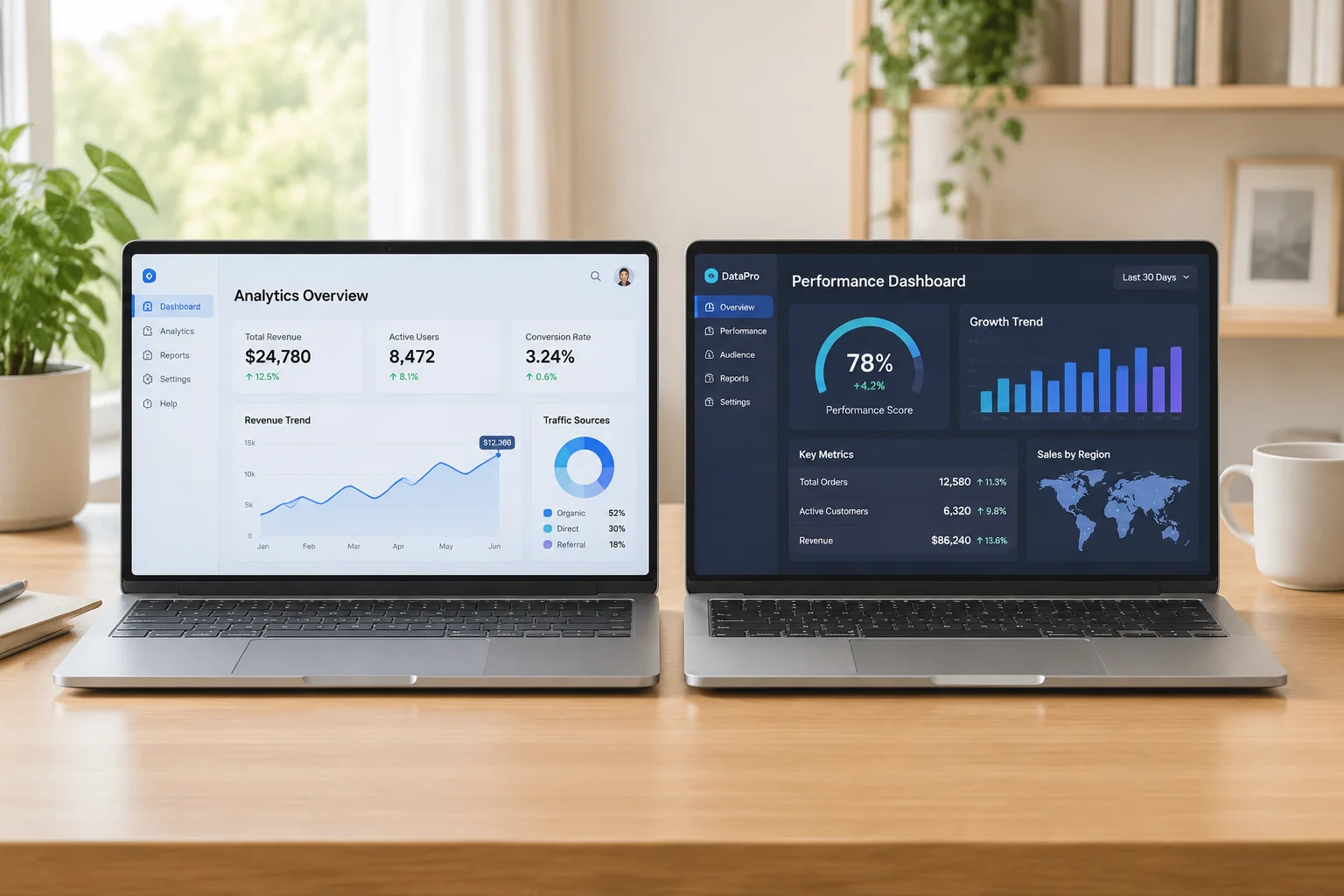
When constructing multi-chart layouts to monitor correlated assets or different facets of the same market instrument, analysts often assume identical study behavior across all visual tiles. In practice, thinkorswim isolates study settings per cell unless explicit study sets or global layout templates are re-saved. A length parameter changed on a 15-minute layout cell remains unaffected on an adjacent 5-minute grid tile, generating contradictory visual thresholds that reflect disparate math rather than authentic market action.
This parameter drift introduces deceptive signals into trade logs and chart notes. An analyst observing a 20-period moving average on one chart and a 21-period exponential calculation on another may attribute price rejection differences to timeframe characteristics, completely unaware that calculation engines and smoothing types diverged weeks prior during routine chart testing.
A visual discrepancy between two adjacent chart windows is far more often an artifact of mismatched indicator parameters than an underlying market anomaly.
— Emily Stone, Senior Documentation Specialist
Audit Protocols for Synchronized Chart Grids
Maintaining analytical integrity across complex workspaces requires a structured audit routine before logging observations. Rather than assuming layouts remain synchronized, systematic inspection of indicator input values ensures that every panel displays mathematically identical data transformations.
- Verify calculation price inputs across panels to prevent unintended mixing of Close, HL/2, or VWAP sources.
- Confirm whether length parameters scale intentionally or accidentally across higher and lower aggregation boundaries.
- Check displacement and horizontal offset fields, which commonly reset during workspace import or grid reconfiguration.
When studies produce divergent line paths on identical tickers, checking the Edit Studies window side by side immediately exposes calculation offsets. Documenting exact parameter strings directly within workspace notes removes ambiguity during subsequent chart post-mortems.
Managing Custom Inputs in Shared Setups
ThinkScript allows extensive parameter customization, enabling traders to embed custom logic, adaptive lookbacks, and dynamic thresholds. However, when these custom studies are distributed across disparate desktop layouts or shared across multiple monitors, local user adjustments overwrite defaults silently. Saving study sets with explicit version identifiers (such as "Core_Trend_v2.4") guarantees that every cell in a multi-grid layout renders from the exact same mathematical formula.
Regularly exporting workspace configurations and archiving layout files preserves benchmark parameters against accidental mouse drags or temporary testing tweaks. Adopting this disciplined maintenance habit ensures chart notes remain completely reproducible across sessions.
Need Clarity on Your Layout Parameters?
Inquire about specific study synchronization behaviors, workspace configurations, or thinkorswim indicator troubleshooting.